Installation
To install the AWS Deadline Cloud for Houdini submitter, you will need:
- A Windows, macOS (arm64), or Linux workstation
- Houdini 19.5 - 21.0
To install the submitter
- Download the Deadline Cloud submitter installer.
- Run the installer.
- When prompted, select each version of Houini you want to use the submitter with.
- Launch Houdini.
The Deadline Cloud submitter should be automatically available as a render operator (ROP) node.
The submitter installer is available for Windows, macOS, and Linux. See the developer README for manual installation instructions.
To verify the submitter is installed correctly
- Open Houdini.
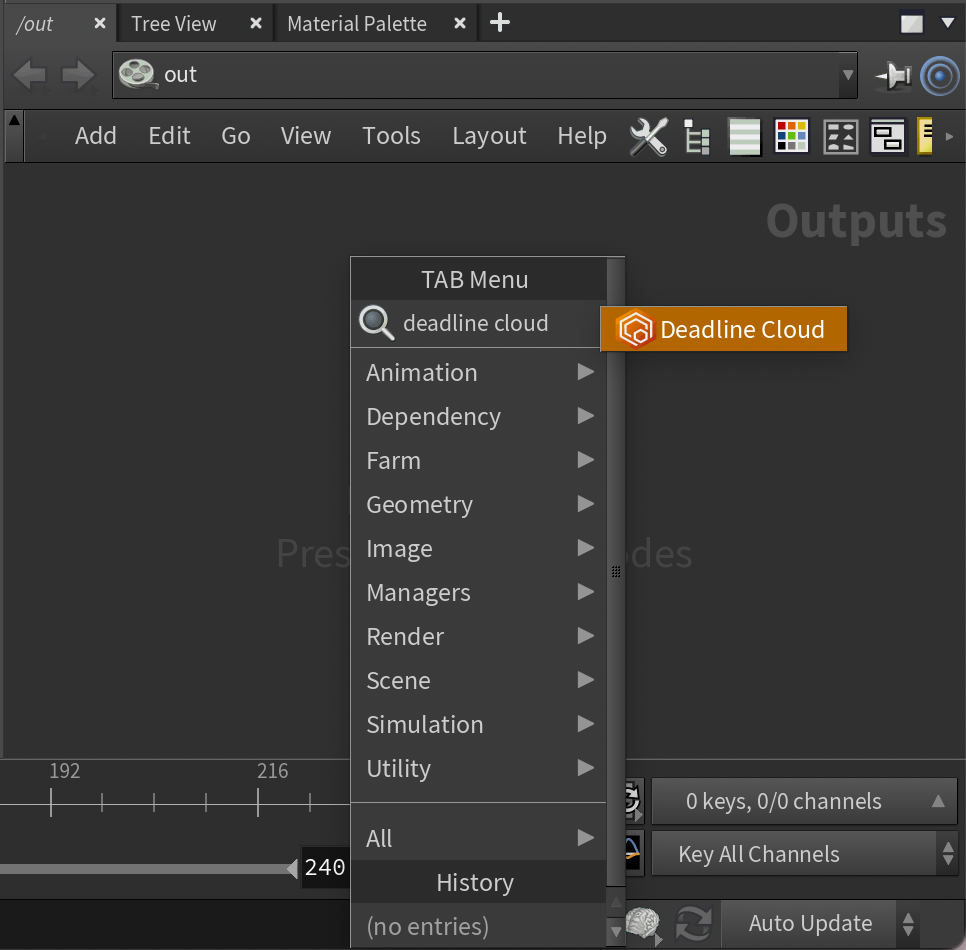
- In the Network Editor, select the
/outnetwork. - Open the context menu (right-click or press Tab) and search for
deadline. - Choose Deadline Cloud to create a new node.